
EnforceAir Overview

EnforceAir Analytics turns drone activity into operational intelligence. Replay View, Reports, Dashboards, and History deliver validated records, trend visibility, and long-term analysis for sustained airspace protection and drone mitigation.
Effective counter-UAS operations do not conclude when a drone leaves the airspace. Understanding patterns, validating decisions, and preparing for what comes next are just as critical as real-time response. EnforceAir PLUS and EnforceAir2 C-UAS systems incorporate integrated analytics capabilities that transform every drone encounter into structured, actionable intelligence.
At the center of this capability set are four key features, Replay View, Reports, Dashboard, and History, providing operators, commanders, and security managers with a complete, trusted record of drone activity across time.
Replay View allows operators to step back into any incident and review it as it unfolded. Drone flight paths, detection timelines, and classifications, are presented exactly as they occurred. This enables teams to validate decisions, assess response timing, and understand how evolving conditions influenced outcomes. A “Save As Video” option empowers operators to export these reconstructions as video files, transforming data into assets that can be shared across the organization. Consequently, Replay View becomes vital not just for immediate analysis, but for long-term training and cross-team debriefings, ensuring lessons learned are grounded in factual operational data.
EnforceAir offers multiple reports that transform recorded drone activity into clear operational understanding. They provide a concise summary over a selected period, highlighting key indicators such as activity volume, unique drone identifiers, typical flight duration, and recurring drone models. A special KMZ report adds geographic context, enabling visualization in tools such as Google Earth to reveal where drones appear, move, and interact with protected areas. Together, these reports help teams to recognize patterns, assess exposure, and support more informed airspace protection and drone defense decisions over time.
The Dashboards capability provides a consolidated analytical view of drone activity across protected areas. By presenting key indicators and visual summaries over a selected time range, it enables users to understand activity patterns, trends, and system performance over time. This clarity supports post-event analysis and informed planning, helping teams move from reactive response to proactive airspace protection.
The History function provides a rolling log of detected drones, classifications, and actions taken. History data is exported as CSV files, allowing use with Excel or business intelligence and investigation tools. By preserving consistent system records, History supports:
Together, these analysis capabilities help to transform operational activity into institutional knowledge. They strengthen understanding and enable organizations to continuously refine their airspace protection posture as threats, environments, and requirements evolve.
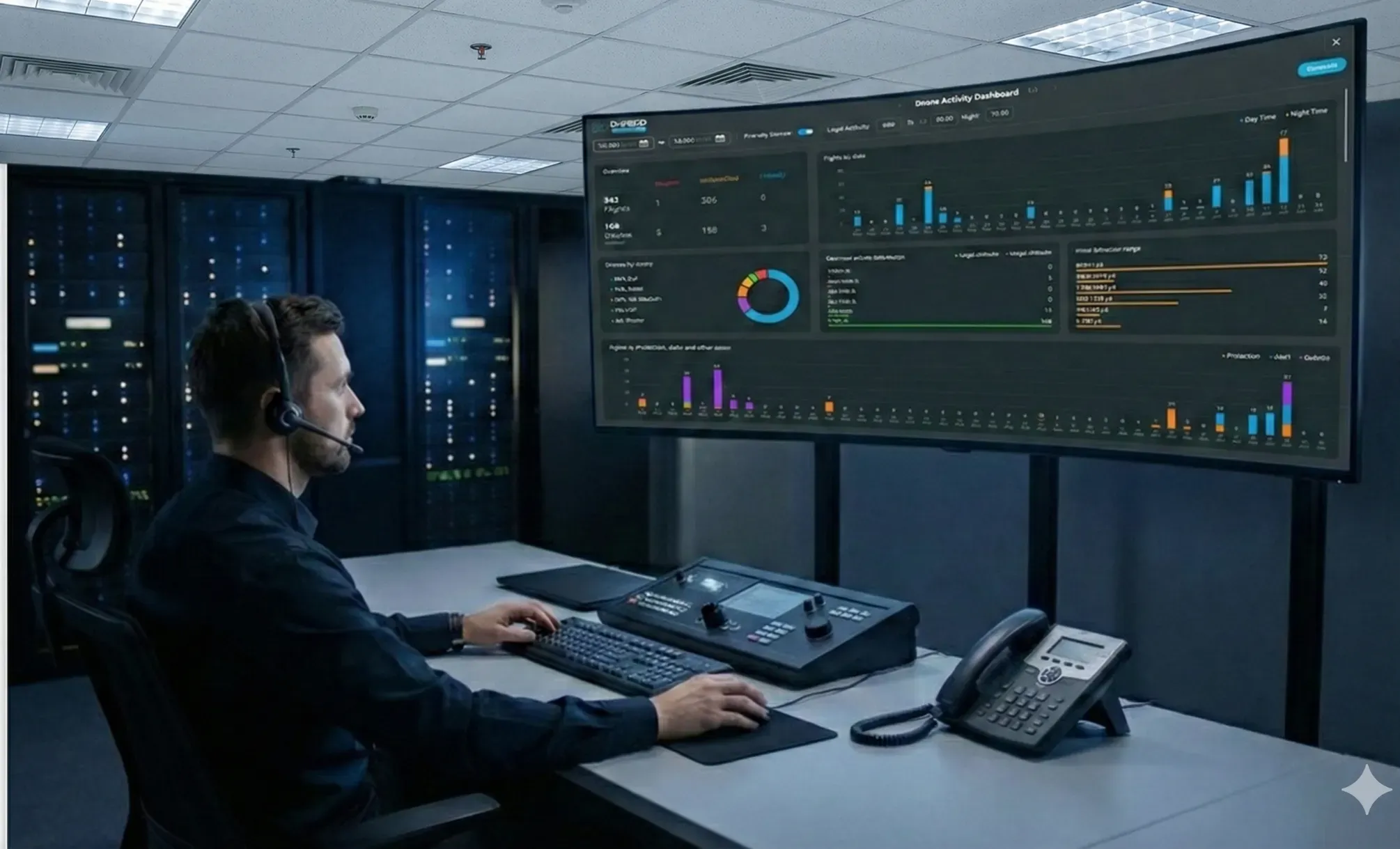
EnforceAir Analytics includes four core capabilities: Replay View, Reports, Dashboards, and History. These tools provide structured operational insight, event reconstruction, activity summaries, and long-term record management within a counter UAS system.
Replay View presents drone incidents exactly as they occurred. Flight paths, detection timelines, and classifications are displayed chronologically, supporting decision validation, structured debriefing, and operational review.
Reports summarize drone activity over selected periods, including activity volume, unique drone identifiers, recurring drone models, and typical flight duration. KMZ reporting adds geographic context to support informed airspace protection decisions.
The History function maintains a rolling record of detected drones, classifications, and system actions. Exportable data supports investigations, audits, and long-term operational analysis as part of sustained airspace protection.
Thank you for showing interest in D-Fend Solutions.
Please fill-out the info. below, so we can better serve you.